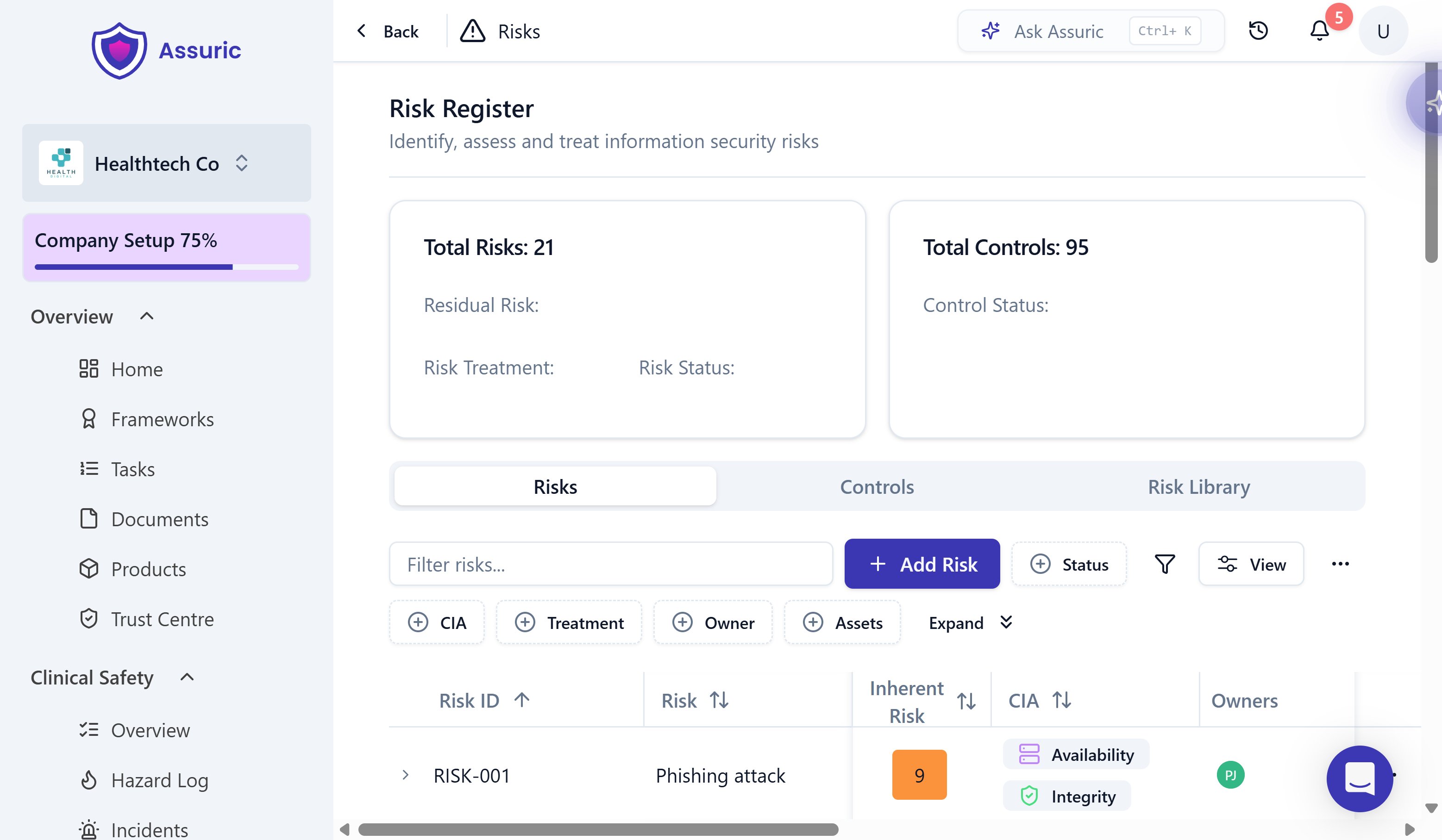
Click Privacy & Security in the sidebar, then Risk Register.
2
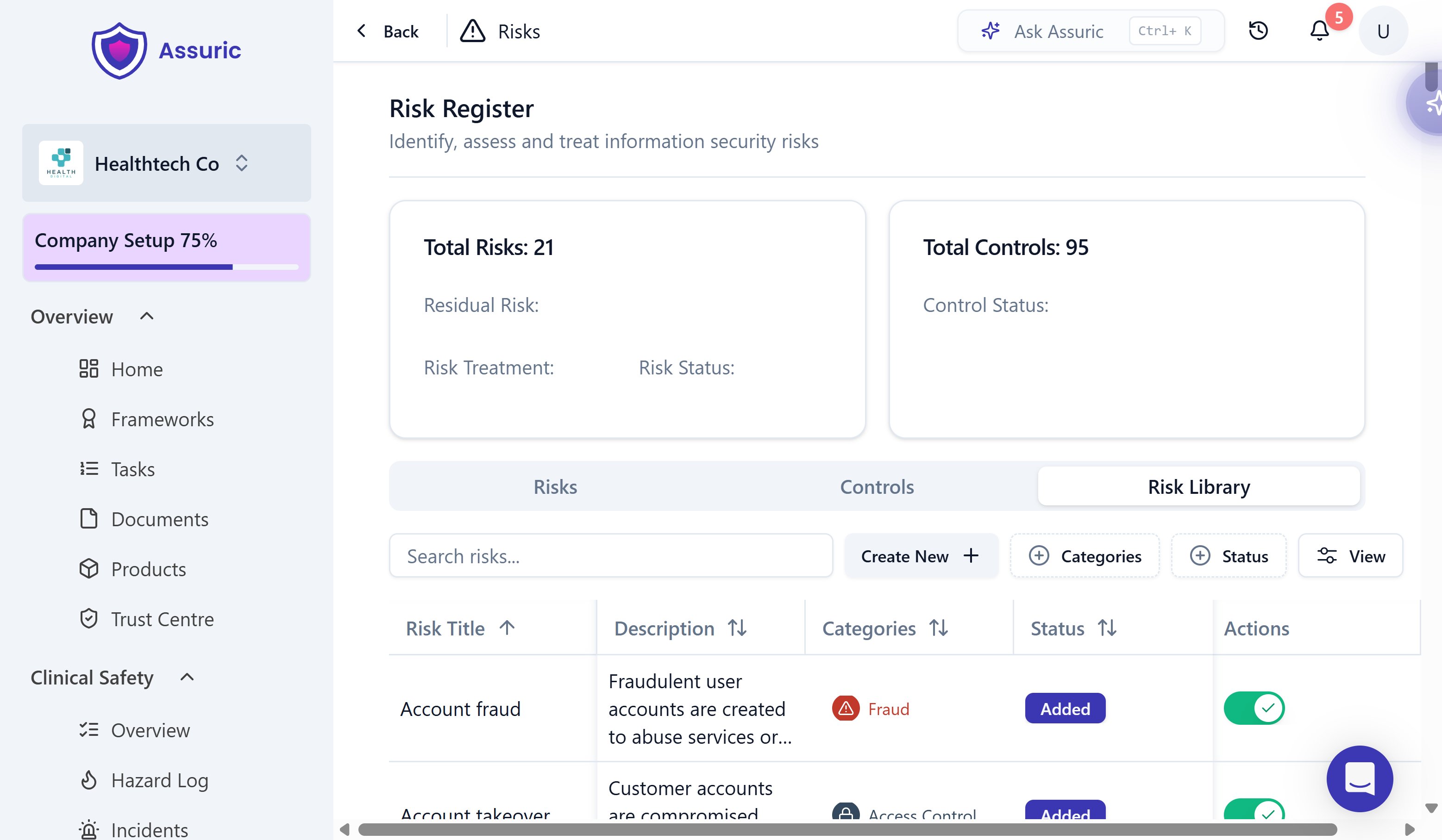
Add from the Risk Library, or create your own
Open the Risk Library tab and add a prebuilt risk, AI-specific ones included, with one click, or Add Risk on the Risks tab to write your own.
The Risk Library, listing prebuilt risks with a category and an Add/Added status.
3
Tag CIA and link assets
Set which of Confidentiality, Integrity or Availability (CIA) the risk threatens, and link the Assets it affects.
A risk row with 1 CIA and 2 Assets highlighted.
4
Score it, then treat it
Click the Inherent Risk score to open Edit Risk, then step through Inherent Risk, Controls and Residual Risk, using the levels in How risks are scored. The gap between Inherent Risk and Residual Risk shows what your controls achieve. Choose a Risk Treatment and click Save & Exit.
A risk row with 1 Inherent Risk, 2 Controls, 3 Residual Risk and 4 Treatment highlighted.
Likelihood times Impact, each 1 to 5, gives the Overall Rating, from 1 to 25. Inherent Risk and Residual Risk share the scale, and a grey ? badge means the risk isn’t scored yet.
The Controls tab shows each control’s Status (Met, Partially Met or Not Met), linked Risks and Tasks, and owner. Framework controls, such as ISO 27001 Annex A, sit alongside your own, and New Control adds one.
Security Controls tasks track the work behind a control.
Evidence for any control, incident or other requirement lives in Documents’ Evidence & Files library.